

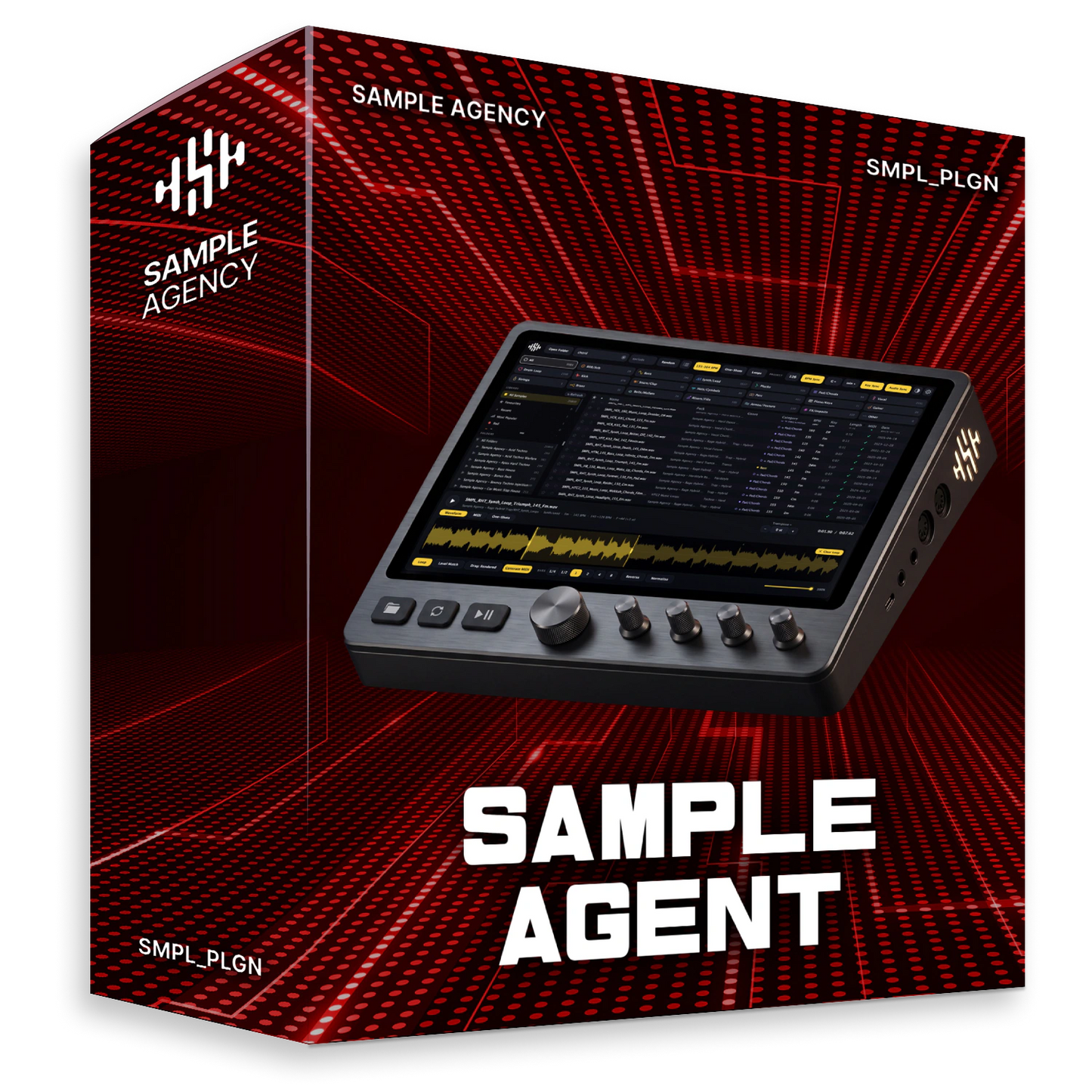
See Sample Agent in action
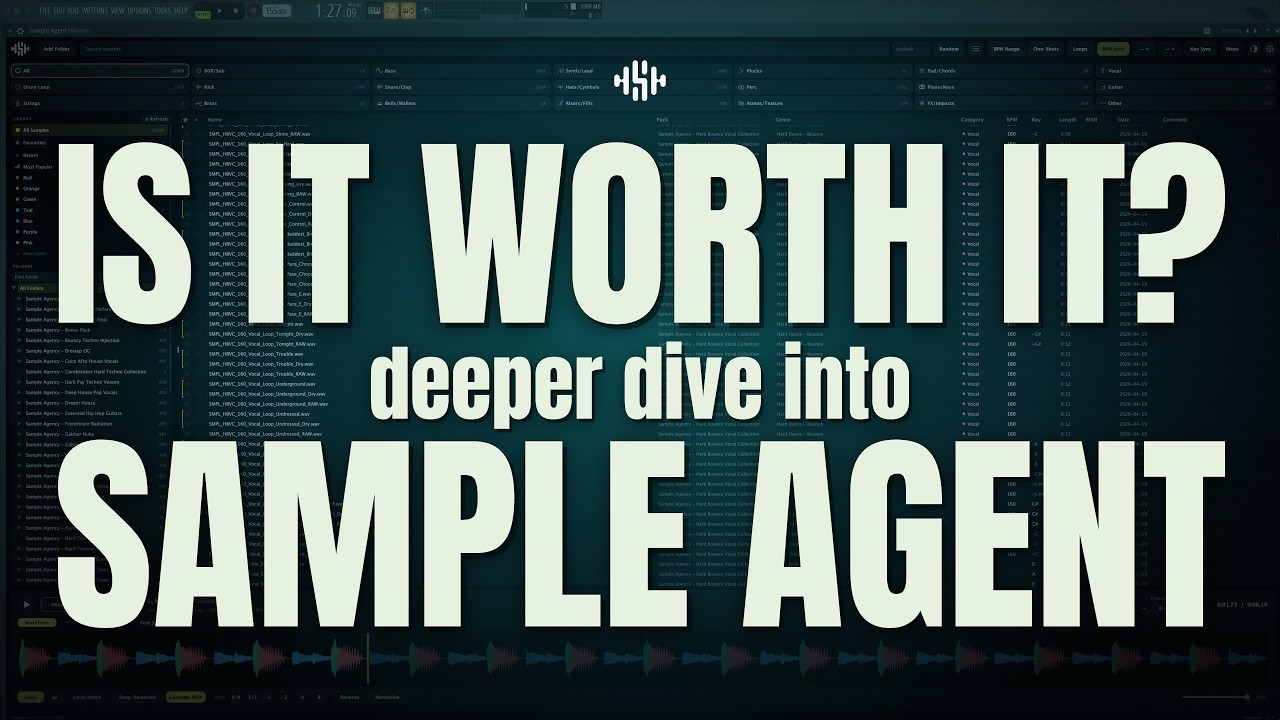

300 GB of samples. You use 2%. Now use the other 98%
What Sample Agent actually is
A search engine for the sounds you already own. If you make music you have folders full of samples: kicks, loops, vocals, one-shot hits. Finding the right one is the slow part. Sample Agent listens to every file on your drive, so you can ask for a sound and have it in your track seconds later, in the music software you already use (your DAW: FL Studio, Ableton, Logic, whichever it is).
-
// 1 · Show it your samples folder
It sorts itself
Wherever your packs live, internal drive or external SSD. It reads everything once, on its own. You don’t rename, tag or sort a single file.
-
// 2 · Ask for the sound you want
Find Similar
Type a word, describe how it should sound, or point at a sample you like and ask for more like it. It goes by the sound itself, so a badly named file turns up just the same.
-
// 3 · Drag it into your track
Already in your key

It arrives already at your project’s speed and in your project’s key, so it fits the moment it lands. No stretching, no re-pitching, no guessing.

STACK
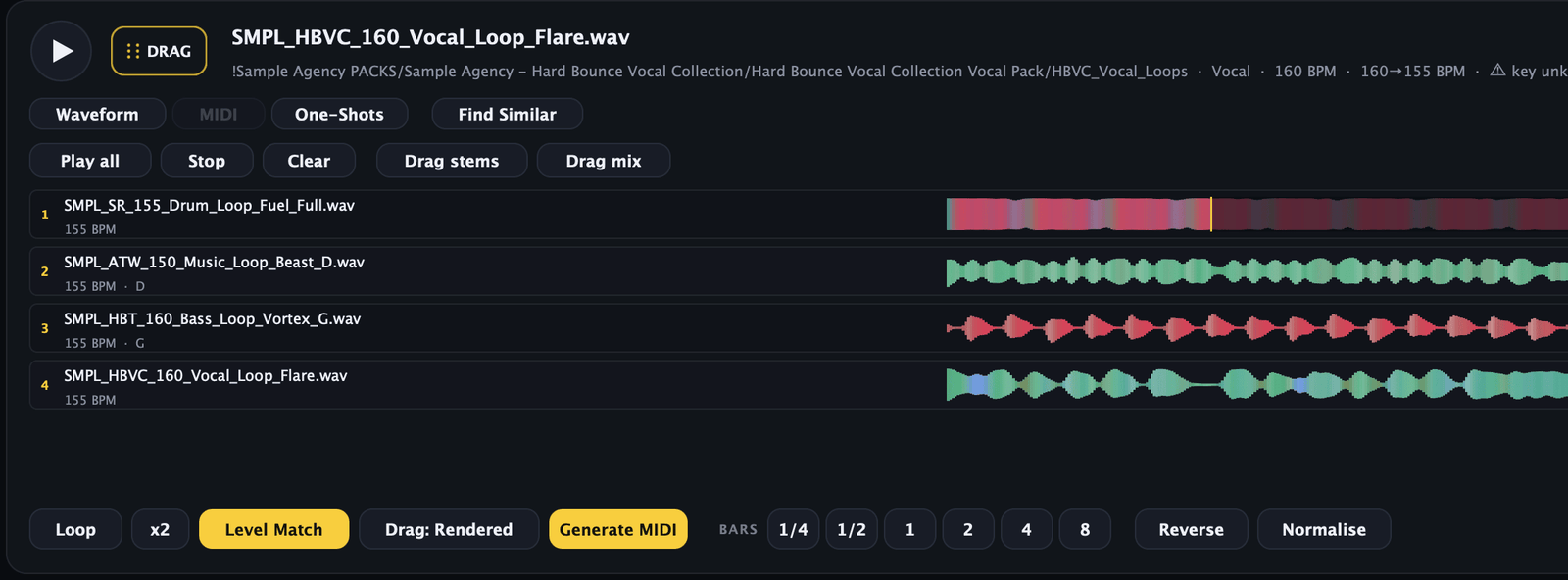
Hear eight loops together before anything lands in the project
Play a loop, press A, and it joins the Stack: up to eight layers, every one matched to your project tempo and key. Change either while it plays and the layers follow without stopping. Drag loops straight in too: onto empty space to add one, onto a layer to replace that one.
Mute, solo and level each layer, then take it out the way you need: Drag stems hands your DAW one file per layer, Drag mix hands it a single file that sounds exactly like what you just heard.
SEARCH
Find it by sound, not by filename
Type screech and you get actual screeches, even if every last one of them is called “Music Loop 07”. Spell it wrong and you still get them: snair finds your snares, because Sample Agent corrects against the words that exist in your library.
Found one you love? Select it and press S. Sample Agent re-ranks by how close each sample sounds to it, across categories, packs and names, and scores every match. Press ← Back to browsing and you are exactly where you were, filters and all.
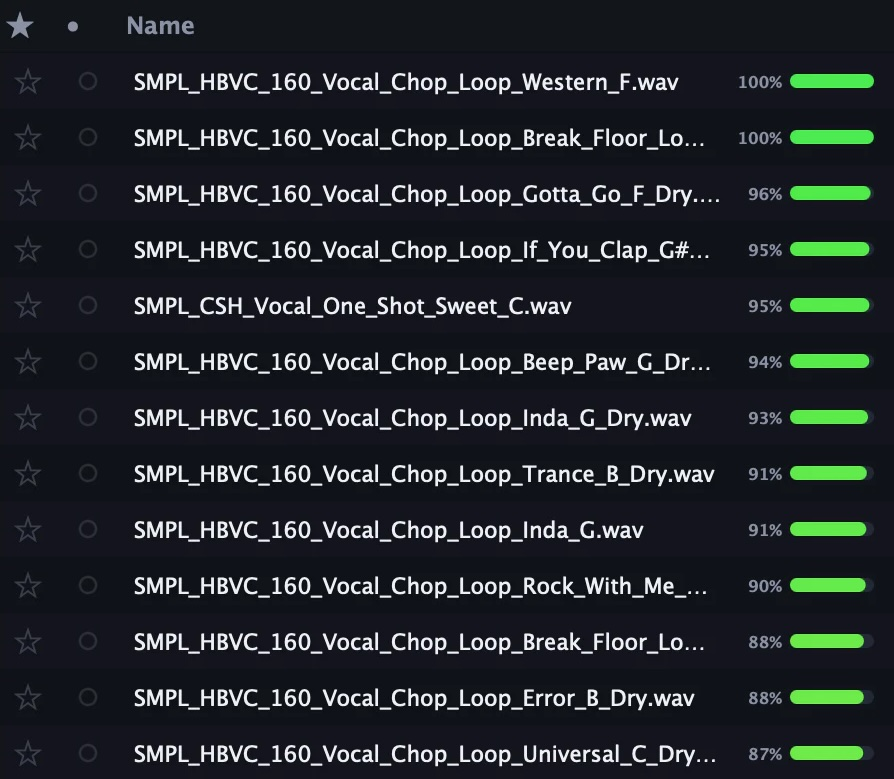
LOOP REGION
Drag out only the part you want
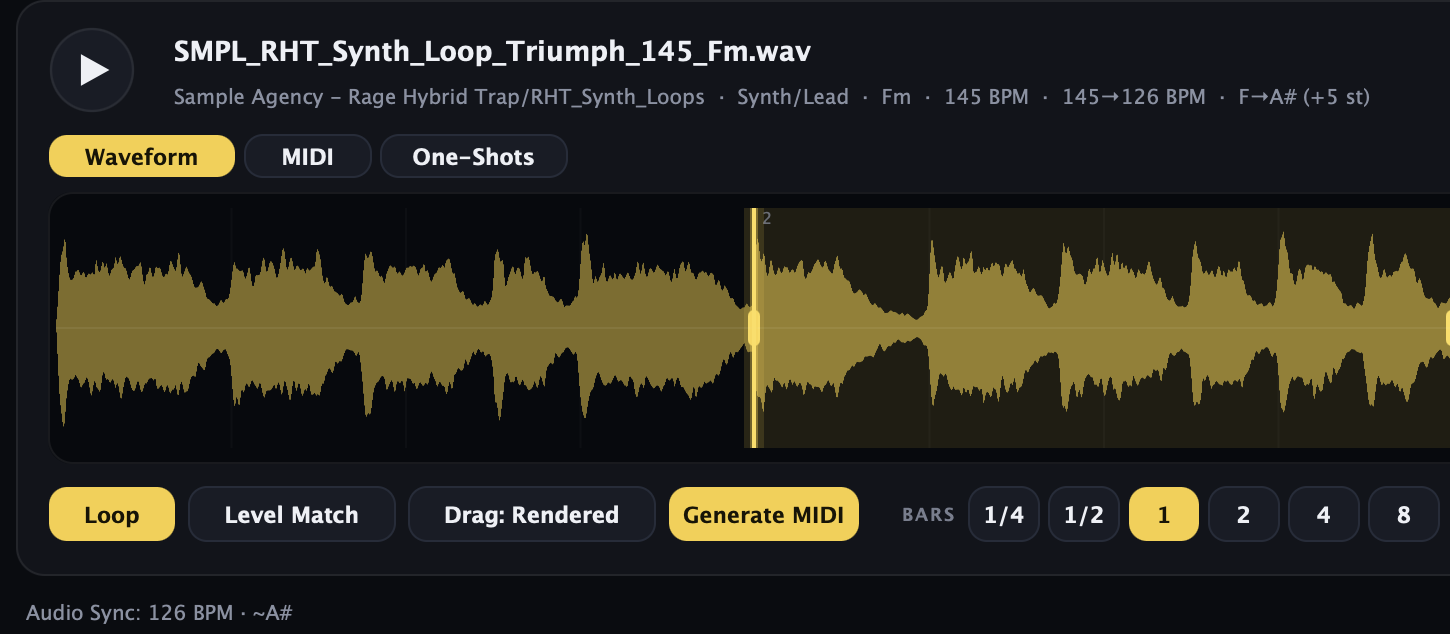
Drag across the waveform to mark a section. Loop plays just that part, and dragging it out gives your DAW just that part, already stretched to your tempo and re-pitched to your key. Turn Drag: Rendered off and you get the untouched original instead. Double-click clears it.
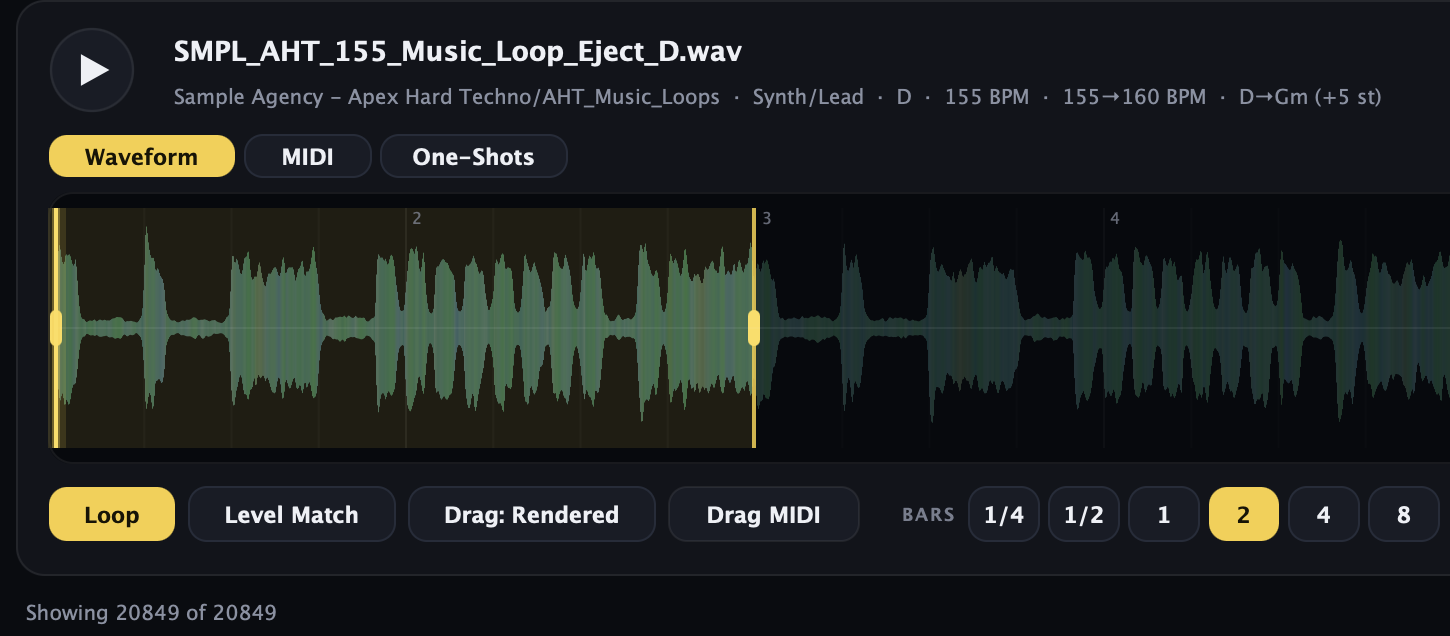
ONE-SHOTS
Every loop is also a kit
A loop is a bar or two of music. Open the One-Shots tab and Sample Agent chops it at every hit, so you get the kick, the snare and the hat as separate sounds, each named by note. Click one to hear it. Drag any one of them out on its own. The punch at the start of each hit stays intact, so nothing sounds soft or clipped.
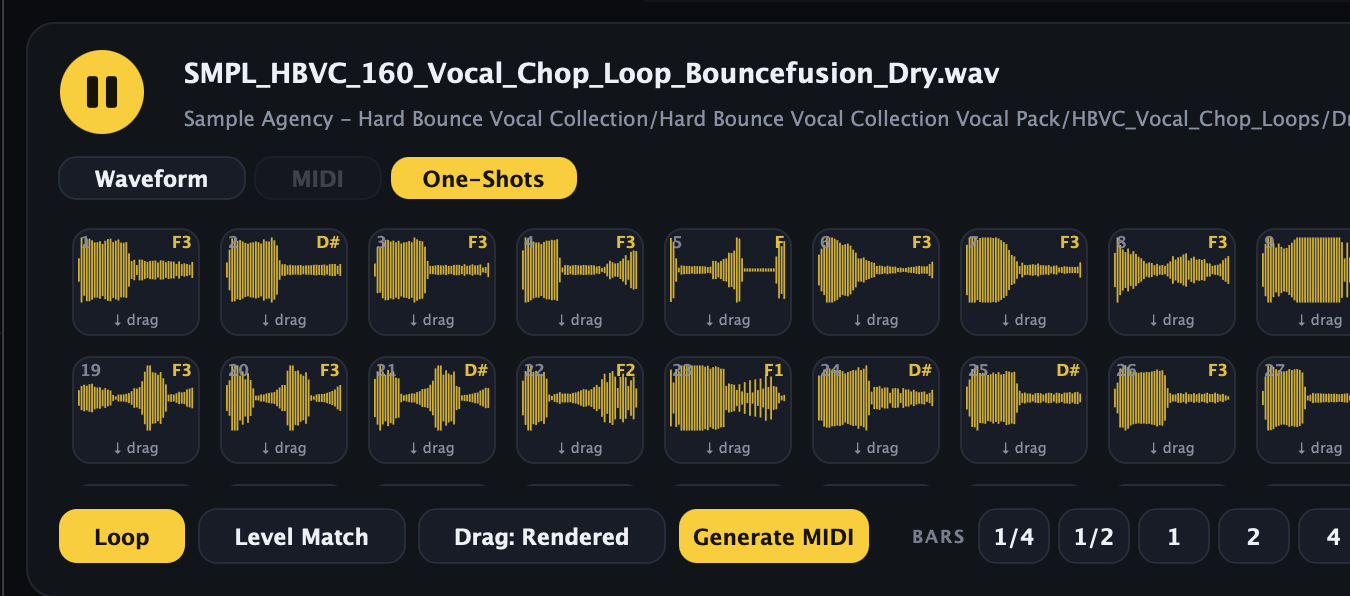
MIDI
Turns your own audio into notes
MIDI is the notes of a melody rather than the recording, so you can put them on any instrument you like and change them freely. When a pack includes MIDI, Sample Agent shows you the notes, moves them into your key and drags them out next to the audio. When a pack includes none, Generate MIDI works the notes out from the audio itself.
That part is still in beta, and we would rather say so than let you find out. It is sharpest on basslines and single-note melodies. Chords and drum loops come out rougher and usually need a tidy-up. Every other browser we know of hands you a MIDI library, or nothing at all. None of them turns your audio into notes.
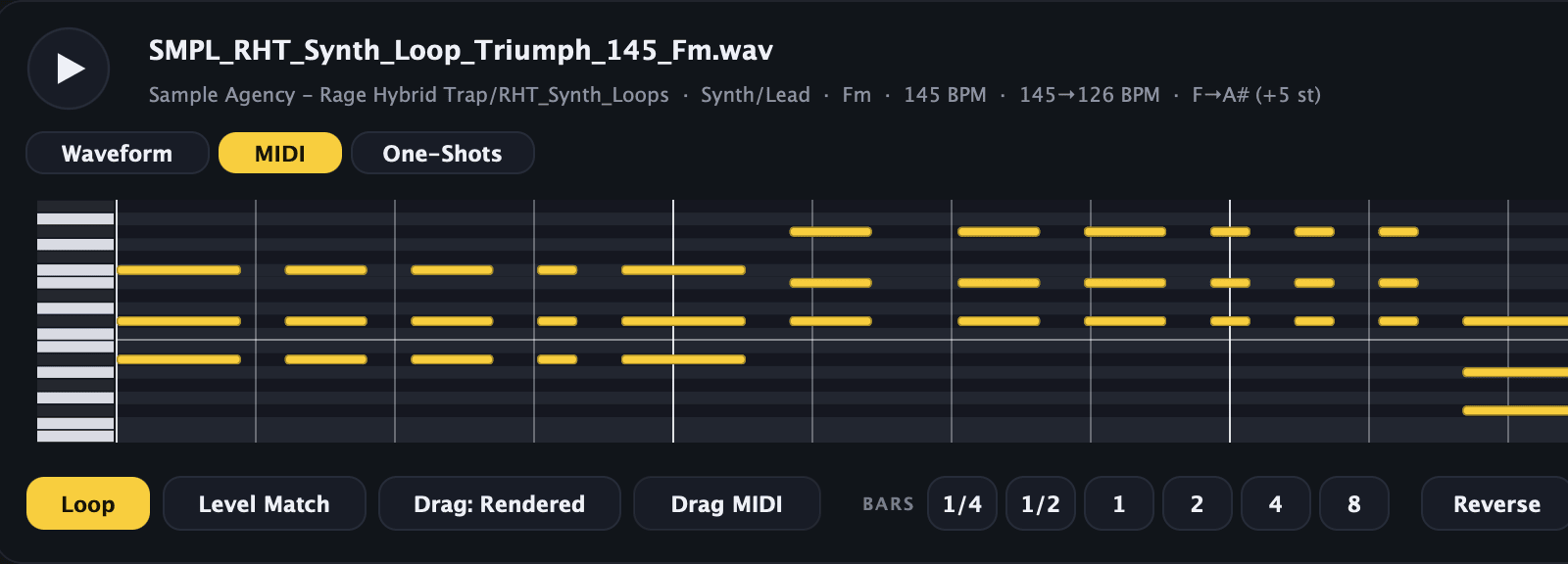
TEMPO & KEY
It doesn’t ask your DAW. It listens.
Tell it your track’s speed and key once, and everything you click plays back at that speed and in that key. Drums keep their punch while it happens. That works everywhere: Mac, Windows, on its own or inside your music software. Loaded as a plugin it doesn’t even ask, it just takes the speed from your project and stays in time with it.
Audio Sync goes one better. Run Sample Agent on its own and it simply listens to your speakers, works out the speed and the key of what it hears, and matches everything to that. Nothing to load, nothing to connect, no settings to line up. It just hears your track. That means it follows any music software, FL Studio included, and it is clever enough to ignore its own sound so it never follows itself.
And it doesn’t care what is making the sound. Put a reference track on Spotify or YouTube and audition your own loops straight over it, in time and in key.
Audio Sync needs macOS 14.2 or newer, or Windows 10 build 20348 or newer, and runs in the standalone app only. You don’t need it inside a DAW, because there the plugin takes the tempo from the host.
The small stuff you use every day
- Random: one press, a sound you forgot you had
- Find Duplicates: the same sample in two places
- Narrow it down by tempo, key, one-shot or loop
- Save a search and re-run it from the sidebar
- Level Match so nothing jumps in volume
- Half or double speed, reverse, normalise
- Waveform with bar numbers, click anywhere to jump
- You get a proper 24-bit file, not a rough preview
- Favourites and your own colour labels
- Recent and Most Popular keep your go-to sounds close
- Your samples stay put. Not one file leaves your computer
- Hundreds of thousands of files, still opens instantly
How it compares
Four ways producers deal with a big sample library. Here is where each one stops.
| Sample Agent | Subscription sample services | Classic sample managers | Free library toolsa different app for each job | |
|---|---|---|---|---|
| Works with the library you already own | Yes | Their catalogue | Yes | Yes |
| Buy once, no renewals | Yes | Monthly, forever | Usually | Free |
| Previews already in your tempo and key | Yes | Their catalogue only | Varies | In one of them |
| Plays eight loops together, matched to your project | Yes | Their catalogue only | No | No |
| Searches your own library by how things sound | Yes | No | Some | In another |
| Writes MIDI from your own audio | Yes (beta) | No | No | No |
| Picks up the tempo of what is playing, nothing loaded in the session | Yes (standalone) | No | No | No |
| Everything runs on your own machine | Yes | No | Yes | Varies |
Free tools are the fiddly column: one app searches, another syncs previews, a third reads tags, and you end up running three.
Works in your DAW, and on its own
One licence covers all three, on two of your computers.
- StandaloneThe full browser as its own app
- VST3Inside any VST3 host, on Mac and Windows
- AUInside Logic and other AU hosts on Mac

- Mac macOS 10.15 or newer, Apple silicon and Intel. The plugin needs 11+
- Windows Windows 10 or newer, 64-bit
- Files WAV, AIFF, MP3, FLAC, OGG. On macOS also M4A, AAC, ALAC, CAF
Producers who use our sample packs
-

Showtek · 5M monthly listeners
"Love the diversity and uniqueness of the presets — they trigger a lot of instant inspiration."
-

W&W · 13M monthly listeners
"Love your products!"
-

Kura · #1 Portuguese EDM artist
"Loving these new Serum presets, especially the acid techno ones — using them in a lot of my productions."
-

DVBBS · 3M monthly listeners
"Love em! High quality and hard-hitting samples!"
-

VINAI · DJ Mag Top 26
"Thank you very much guys and congrats for your business!"
-

Kill The Buzz · Tomorrowland & Ultra
"Can't wait to use these in the studio."


Frequently asked questions
Can I try it before buying?
What exactly do I get when I pay?
Is it a subscription?
What if it doesn’t work out?
Is there a Windows version?
What are the system requirements?
How many computers can I use it on?
What if I get a new computer?
Do I get updates?
Do I have to tag or organise my library first?
How big a library can it handle?
Which file formats does it read?
Can my library live on an external drive? And do my favourites survive a reinstall?
Which DAW does it work with?
What exactly can Audio Sync listen to?
How good is the MIDI generation?
Do you upload my samples anywhere?
Is the app in my language?
Try it on your own library
7 days, full version, no card. If it doesn’t tame your folders, you’ve lost nothing.
Try Sample Agent free
Drop your email and the download starts right away.
Please enter a valid email.